


AGENT EXPERIENCE (AX)

GIVE YOUR AI AGENTS THE RIGHT TOOLS FOR THE JOB.

Your people have screens made for them: a blue dot, a card that moved, an unread count. An AI agent that connects through your API has only the tools you give it. With the wrong tools, it opens every record to find the three that changed. With the right ones, one call tells it what changed.

We design and build the tools AI agents use in your system: the API calls and the MCP server. Your users get faster answers from their assistants, and your servers do less work.


TRY IT · TOOL SHOWDOWN

SAME JOB. DIFFERENT TOOLS.

Someone comes back to a project and asks What changed since I was last here? Two agents take the job on the same board of 40 cards. One has the wrong tools. One has the right ones.

Two agents answer the same question on the same board of 40 cards. The agent with the wrong tools lists the cards, then opens all 40, one at a time. Partway through, the server makes it wait. It makes 41 calls. The agent with the right tools asks what changed since its last checkpoint, then gets the changed cards in one call. It makes 2 calls. Both agents give the same answer. Pick a visit to run the race again.

SAME QUESTION. TWO SETS OF TOOLS.

SAME ANSWER. 41 CALLS AGAINST 2.

SAME ANSWER. 41 CALLS AGAINST 1.

SAME ANSWER. 41 CALLS AGAINST 2.

WHAT THE PERSON GETS, FROM EITHER AGENT

The answer shows here when both agents finish.

Since you were last here, 3 cards changed:

  • Invoice export moved to Review.
  • Login bug on Safari has a new comment from the client: “Still happens on Safari.”
  • Onboarding emails is now assigned to you.

Nothing changed since you were last here.

Since you were last here, 1 card changed:

  • Release notes moved to Done.

FROM OUR OWN WORK

WE GAVE OUR OWN AGENT THE WRONG TOOLS.

BEFORE
  • list_cards
  • get_card
AFTER
  • list_cards
  • get_card
  • get_changes NEW
  • apply_changes NEW

We run our client projects in our own project tracker, and AI agents do part of that work every day. One agent had a simple job: bring a project board up to date. The tools we gave it could list the cards and open one card. So it did the job the only way those tools allowed. It opened every card, one at a time, each time it ran. The tracker started to limit it, and the answers got slow.

The screens were fine. A person saw what changed at a glance. The agent could not see the screens. It had only the calls we gave it, so it read everything again.

So we watched how the agent actually used the system, and we gave it tools made for its job. One answers “what changed since this checkpoint?” The other takes many changes in one request and reports on each one.

Same agent. Same tracker. Better tools. The agent got its answers faster, and the tracker did far less work for the same result.

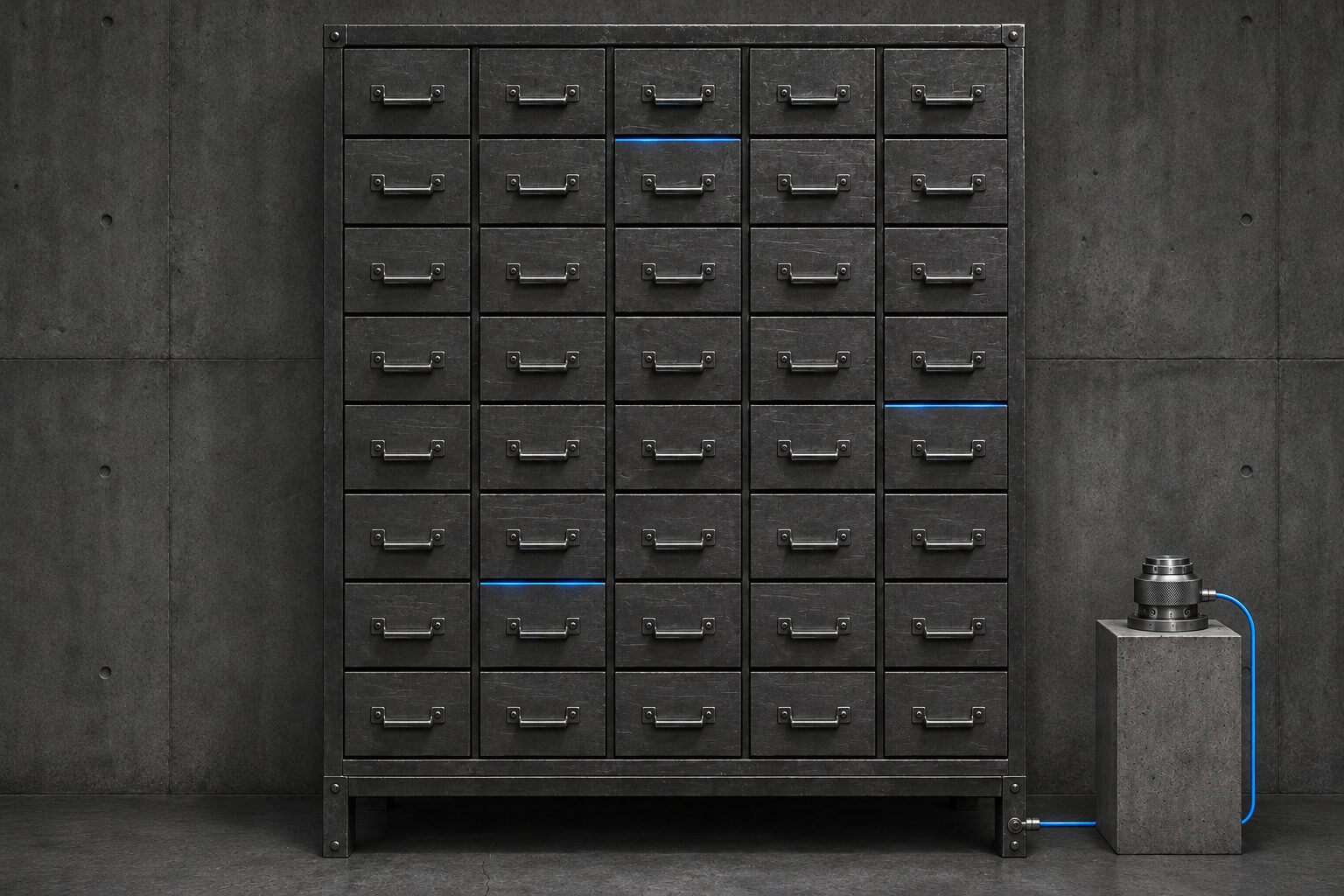
A steel parts cabinet with every drawer pulled open. Three drawers glow blue.
BEFORE · THE WRONG TOOLSOpen every drawer to find the three that changed. Then do it again next time.
The same cabinet with every drawer shut. A precise instrument lights the three changed drawers.
AFTER · THE RIGHT TOOLEvery drawer stays shut. One call finds the three that changed.

THE TOOLKIT

TWO TOOLS. TWO DIFFERENT JOBS.

They often work together, but they do different jobs. A catch-up tool is about what the agent already knows. A batch tool is about the work it must do now.

get_changes THE JOB: CATCH UP

Know what changed since the last visit.

With the wrong tools, an agent does all of its research again on each visit. With a catch-up tool, the agent keeps a cursor and asks only for what is new. When nothing is new, one call says so.

THE WRONG TOOLS list_cards → get_card × 40 → compare
THE RIGHT TOOL · ONE CALL, AND WHAT IT RETURNS get_changes(since: "cur_8f2a")
{
  "changes": [
    { "card": 7,  "field": "column", "from": "In progress", "to": "Review" },
    { "card": 19, "comment": "Still happens on Safari.", "by": "Client" },
    { "card": 33, "field": "assignee", "from": null, "to": "you" }
  ],
  "cursor": "cur_9b1c",
  "complete": true
}
CALLS ON EACH VISIT, SAME 40-CARD BOARD
VisitWrong toolsRight tool
Monday3 changes 41 2
Tuesdaynothing new 41 1
Wednesday1 change 41 2

Three visits: 123 calls with the wrong tools. 5 calls with the right one.

apply_changes THE JOB: CHANGE MANY THINGS

Make the changes you need now, together.

With a tool that changes one card, an agent sends one change at a time. Each change is one more call, and one failure stops the run halfway. A batch tool carries all the changes in one call and returns a result for each.

THE WRONG TOOL · 3 CALLS, THEN IT STOPS
  1. update_card(4) saved
  2. update_card(9) saved
  3. update_card(12) conflict
  4. update_card(15) not sent
  5. update_card(21) not sent

The run stops at the conflict. Cards 15 and 21 wait until the agent reads card 12 again and starts over.

THE RIGHT TOOL · 1 CALL, 5 RESULTS
  1. apply_changes([5 changes])5 results
  2. Card 4 applied
  3. Card 9 applied
  4. Card 12 stale: someone changed it after the agent read it. Here is the current version.
  5. Card 15 applied
  6. Card 21 refused: a card needs a reviewer before it can move to Done.

Each change stands alone. Each one carries the version it read, so a stale change saves nothing.


TRY IT · HAND THE AGENT A JOB

THE AGENT GIVES THE USER EXPERIENCE NOW.

More of your users will meet your software through an assistant. They ask in their own words. The assistant works in your system and writes the answer.

So your screens are no longer the only user experience. The assistant’s answer is one too, and it can only be as good as the tools behind it. Give an agent slow tools, and it gives a slow answer. Give it tools that cannot tell what changed, and it gives a vague one.

UX is the tools you give people. AX is the tools you give the agents that work for them.

An agent's tool wall with six tools, each made for one job. A person hands the agent a job, and the agent takes the one tool that fits. To catch up, it uses get_changes. To read many cards, get_cards. To change many cards, apply_changes. Pick a job to see it.
THE JOB

What changed since Tuesday?

Show me those three cards.

Move my five finished cards to Done.

ON THE BENCH
get_changes(since: "cur_8f2a") → 3 changes · new checkpoint
get_cards(ids: [7, 19, 33]) → 3 cards · 1 call
apply_changes([5 changes]) → 5 results · 3 applied · 1 stale · 1 refused
THE AGENT ANSWERS

3 cards changed since Tuesday. One moved to Review, one has a new comment from the client, and one is now yours.

Here are all three. Invoice export, the Safari login bug, and Onboarding emails, each with its latest comments.

3 cards moved to Done. Card 12 changed while I worked, so I left it alone. Card 21 needs a reviewer first.


API, MCP, AND AX IN ONE MINUTE.

API

The tools your system has now.

An API is how other software reads from your system and makes changes in it. Most business systems have one. Many were built for a developer who writes code once, not for an agent that picks its next tool as it goes.

MCP

How the tools reach the agent.

The Model Context Protocol is “an open-source standard for connecting AI applications to external systems.” With an MCP server, an AI app that supports MCP can find the tools you choose to offer and use them, without custom code for each app.

MCP INTRODUCTION →

AX

Whether they are the right tools.

Agent experience is how well those tools fit the way an agent works: few calls, clear results, and changes that are safe to retry. MCP puts the tools in the agent’s hands. AX decides whether they are the right ones for the job.


THE TOOLS WE BUILD FOR YOUR AGENTS.

We start from the jobs your agents do, then build the tools those jobs need. They sit next to the API you have now, and an MCP server hands them to the AI apps your people use.

Precision tools docked in a row of identical ports in a concrete wall. One more tool slides into place.
FIRST

WE WATCH YOUR AGENT WORK

We run real jobs through your system with the tools your agent has now, and log every call. You see where it reads the same things again, where it waits, and where it guesses.

get_changes

CATCH-UP TOOLS

Tools that return only what changed since the agent’s last checkpoint, including comments and links. If nothing changed, the tool says so in one call.

apply_changes

BATCH TOOLS

Many changes in one request, with a separate result for each. One refused change does not stop the rest.

expected_version

CHANGES THAT ARE SAFE TO RETRY

Each change says which version it read. If someone changed the record since, the change stops and the agent gets the current version. A retry never saves a change twice.

MCP SERVER

THE TOOLS, READY FOR AI APPS

The tools you approve, described so that AI apps that support MCP can find and use them. Each tool works inside your current permission model, and gives the agent only the access you allow.

next_step

RESULTS WRITTEN FOR AGENTS

Answers and errors that say what happened and what to do next. An agent that knows why a change was refused does not try it again blindly.


WHAT THE RIGHT TOOLS CHANGE.

Faster answers from the assistant.

The agent stops reading what it already knows, so your users wait less.

Less load on your servers.

The same job takes far fewer calls. That can also lower what the system costs to run.

Fewer stalls.

An agent that makes fewer calls hits fewer rate limits.

Changes you can check.

Every change records what it was based on and why the agent made it.


HOW IT GOES.

The same process as everything we build: you see it working on your own system before you pay for it.

  1. 01

    SHOW US A WORKFLOW YOUR AGENT STRUGGLES WITH

    Tell us the job you want an AI agent to do in your system, and where it is slow or unreliable now. This targeting exercise costs you nothing.

  2. 02

    WE WATCH IT WORK WITH THE TOOLS IT HAS

    We run the agent on a test copy and count its calls. Then we build the tools the job needs, and count again.

  3. 03

    PUT THE RIGHT TOOLS TO WORK

    We ship the new tools and the MCP server, inside the permission model your app already has. The date we give you is the date you get.

COMMON QUESTIONS

Is agent experience the same as user experience?

No. They serve different users. A person reads a screen and remembers what they saw yesterday. An agent reads responses and usually starts each task with no memory. A good screen does not make a good API, and the reverse is also true.

What makes a tool right for an agent?

It fits one job and does it in as few calls as possible. It says clearly what happened, and it is safe to try again. A tool that returns only what changed is right for catching up. A tool that takes many changes at once is right for bulk work.

Do we need MCP, or is an API enough?

Software that you write can call your API directly. MCP matters when you want AI apps that support it to connect without custom code for each one. We usually do both: the right tools in your API first, then an MCP server on top of it.

Do we have to rebuild our system?

No. Most of the work is new tools next to the ones you have: one that returns changes since a checkpoint, and one that takes many changes at once. Your screens and your current integrations keep working.

Can an agent change things it should not?

The tools expose only the access you approve, inside the permission model you have now, and your system’s rules still apply. Each change checks that the record did not move since the agent read it. Where a change matters, a person can approve it first.

What do you need from us to start?

One job you want an agent to do, and access to a test copy of the system or its API documentation. The targeting exercise takes it from there.

Updated

SHOW US A WORKFLOW YOUR AGENT STRUGGLES WITH.

A targeting exercise that costs you nothing. We watch the agent work with the tools it has, count its calls, and show you what the right tools would change.